
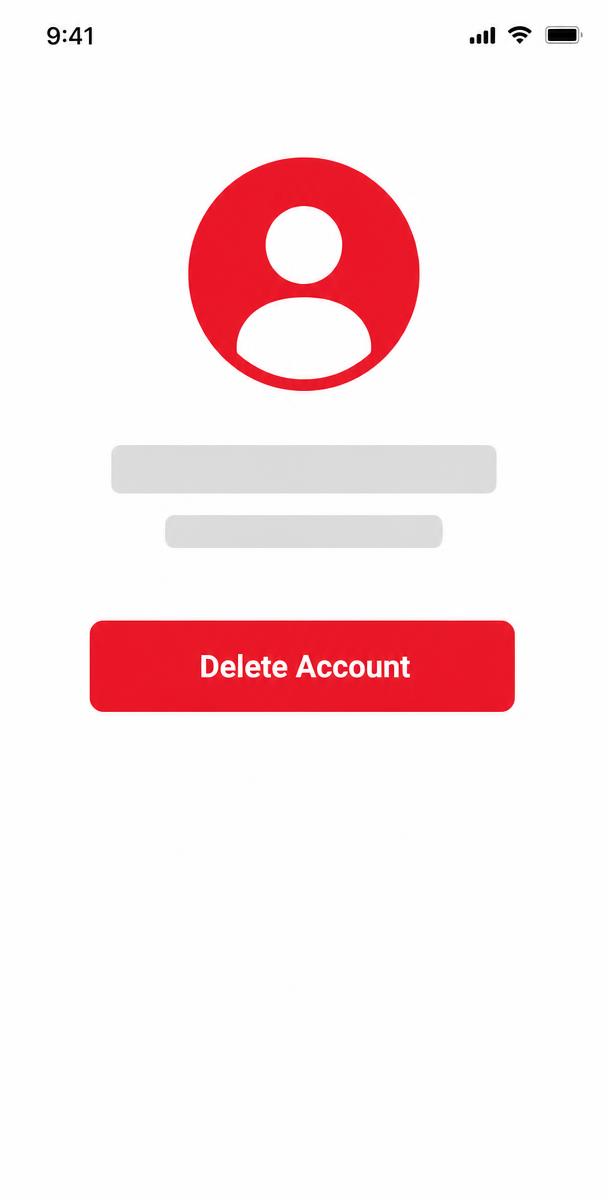
How to Delete Your Account
1
Open the
app
2
Go to
Profile
3
Open
Settings
4
Select
Delete Account
5
Confirm your
request
Your account deletion request will be processed within 30 days.
What Happens When You Delete Your Account?
Data That Will Be Deleted
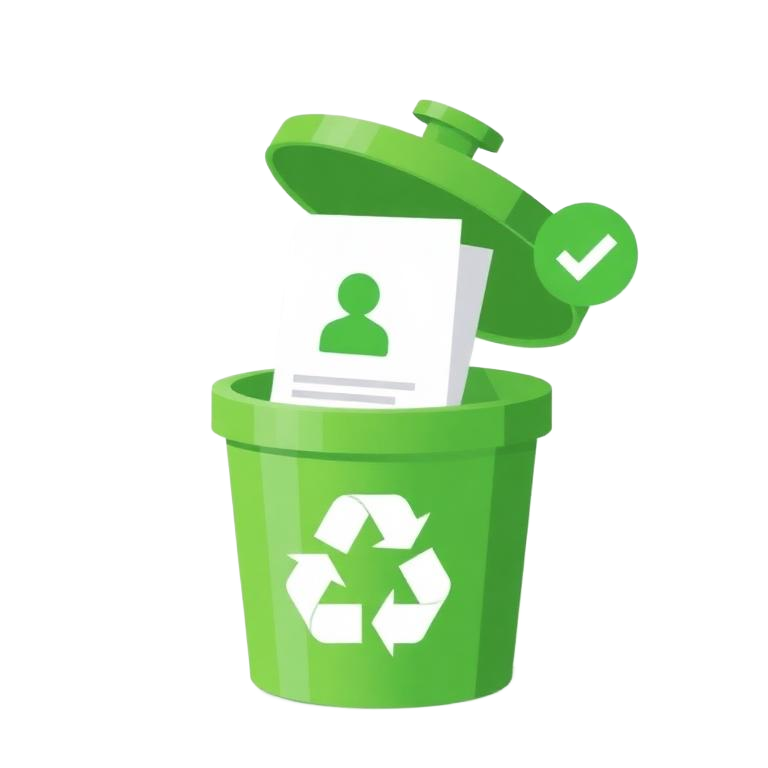
- Your account information
- Name
- Email address
- Phone number
- Gender
- Date of birth
- Profile details
- Login credentials and account settings
Data That May Remain
- News articles you have uploaded
- Videos you have uploaded
- Images and media you have uploaded
- Comments and interactions
- Civic complaints and their records

To maintain the integrity of our platform, published content and public records may remain visible even after your account is deleted. Personal information will not be associated with your account.
Important Note
We may retain certain information where required by law, for security, fraud prevention, legal compliance, or to protect the rights, property, or safety of our users or others.
Need Help?
If you have any questions or need assistance, our support team is here to help you.